One scene. A new lead.
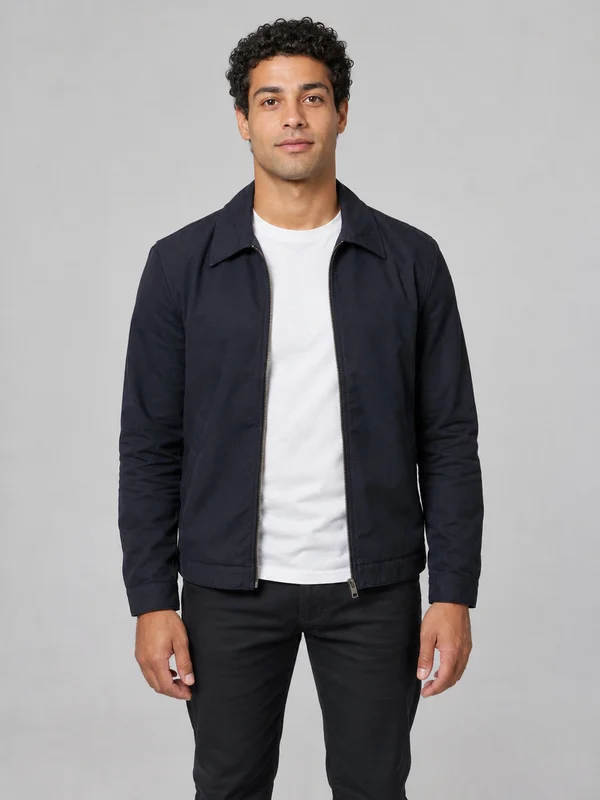
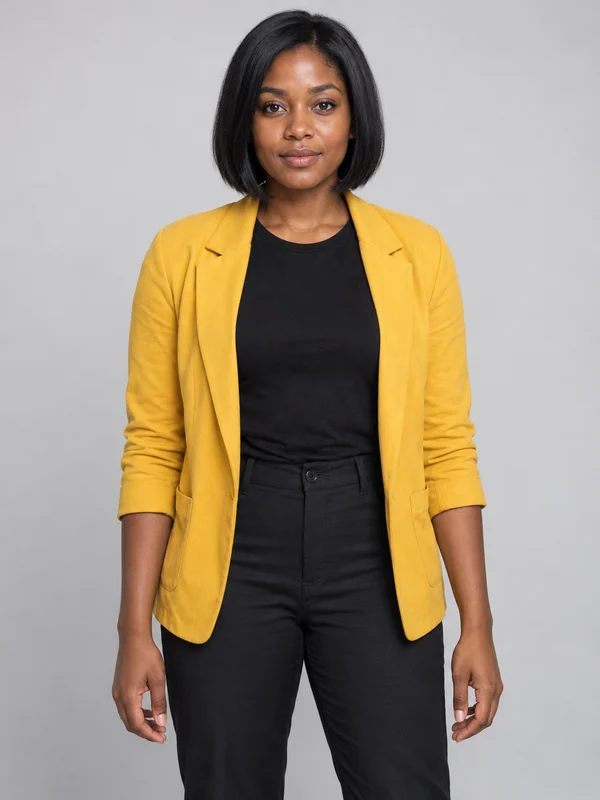
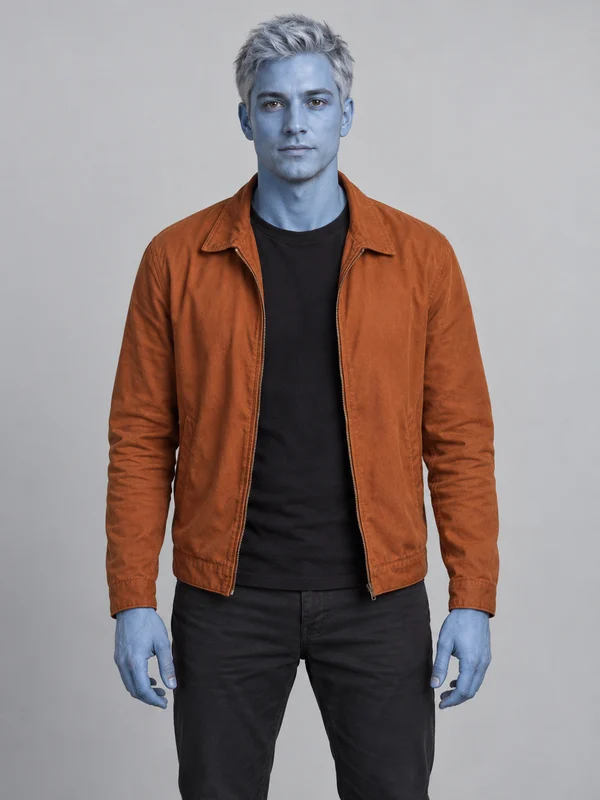
Three characters, the same performance. Watch each five-second AI replacement clip and compare it with the input portrait.
A new face in navy
5s · 628 × 1088 · 30fps · original audio
Facial features, skin tone, hair and accessories can differ from the input.
A little more yellow
5s · 720 × 1250 · 30fps · original audio
Facial features, skin tone, hair and accessories can differ from the input.
Something out of the blue
5s · 720 × 1250 · 30fps · original audio
Facial features, skin tone, hair and accessories can differ from the input.
Watch the original performance reference in the studio. That footage shows the source scene, not a generated result.
What a useful video example shows
A finished clip should make it easy to understand the result before you spend money. These are the details to check:
The source and settings
The type of input photo, selected template, duration, resolution and audio options.
The full clip
A playable video from start to finish, with any trimming, filters or other edits disclosed.
Visible limitations
Changes to facial appearance, unusual motion, flicker and any mismatch between movement and audio.
Permission to publish
Consent for the person in the image and the necessary rights for the performance and soundtrack.
Start with your own photo.
You can explore the browser photo preview before continuing to checkout. The photo guide explains the current workflow, and pricing lists the current availability.